


Claude Computer Use
for Procurement
Claude can now see your screen, click through your apps, and complete tasks on your desktop — even in systems with no API. Here's how procurement professionals can use it to automate the operational work that steals their strategic time.
The Problem This Solves
Every procurement professional knows the feeling: you spend too much time on operational tasks and not enough time developing categories, managing suppliers strategically, or preparing for negotiations properly. Risk assessments sit as half-filled spreadsheets. Negotiation prep happens the night before on gut feel. Category strategies live in someone's head but never get documented.
The root cause? Your tools don't talk to each other. You're logging into SAP, clicking through filters, downloading a CSV, opening it in Excel, reformatting it, copying numbers into a PowerPoint, and emailing it to your stakeholder. Every step is manual. Every step is time you could spend on work that actually moves the needle.
Computer Use changes this. Claude can now do the clicking for you — across any app on your desktop, whether it has an API or not.
How Computer Use Works
Claude uses three methods to interact with your tools — and picks the fastest one automatically.
Connectors
Direct API integrations (Gmail, Slack, Drive). Fastest and most reliable.
Browser
Navigates Chrome when no connector exists. Works for web apps.
Computer Use
Sees your screen, clicks, types. Works for any desktop app — even legacy systems.
Computer Use is the fallback when nothing else works — and that's exactly why it's so valuable for procurement. Your ERP, your internal dashboards, your P2P platform, your contract management system: these rarely have connectors. But they all have a screen. And now Claude can operate them.
You describe the task in plain language
"Go to SAP, pull this month's spend report for the MRO category, download it, and create a Pareto analysis in Excel."
Claude takes screenshots to understand your screen
It sees exactly what you see — menus, buttons, fields, data. It figures out where to click, what to type, and in what order.
Claude clicks, types, and navigates — just like you would
It opens apps, fills in fields, clicks buttons, downloads files, switches between windows. You can watch it work or step away and let it finish.
You get the deliverable
The analysis, the report, the filled-in template — saved directly to your computer, ready to use.
Use Cases for Procurement
Real workflows that procurement professionals can automate with Computer Use. Click to expand.
Export & Analyse Spend Data from Your ERP
Save 2+ hours/weekWhat Claude does:
- Opens SAP and navigates to the spend report module
- Sets the correct filters (category, date range, cost centre)
- Exports the data as CSV
- Opens the file in Excel, cleans up formatting, removes duplicates
- Creates a pivot table and Pareto chart
- Saves the finished analysis to your designated folder
Best for: Weekly/monthly spend reporting, budget-vs-actuals tracking, ad-hoc category analysis.
Fill Out Supplier Assessment Forms in Your P2P Platform
Save 30+ min/supplierWhat Claude does:
- Opens your P2P platform and navigates to the assessment form
- Reads the supplier data from your source files
- Fills in each field with the correct data — company info, financials, scores
- Cross-checks for consistency (e.g., risk rating matches financial data)
- Pauses before submitting so you can review
Best for: Supplier onboarding, annual supplier reviews, qualification assessments.
Generate Reports from Internal Dashboards
Save 1+ hour/reportMost internal procurement dashboards have no API or connector. Exporting a report means logging in, clicking through filters, setting a date range, and downloading a CSV. Computer Use handles all of this — it's like having an analyst who never gets tired of clicking through your dashboard.
Best for: Monthly KPI reporting, QBR preparation, stakeholder updates.
Cross-System Data Consolidation
Save 3+ hours/taskThis is where Computer Use truly shines. The work that normally requires four open browser tabs, three downloads, and an hour of Excel formatting becomes a single prompt. Claude switches between your apps the same way you would — but without getting distracted or making copy-paste errors.
Best for: QBR preparation, category reviews, board reporting, annual supplier assessments.
Supplier Registration & Web Research
Save 20+ min/supplierComputer Use combines web research with desktop actions. Claude can browse the supplier's website, extract relevant data, then switch to your procurement portal and fill in the registration form — all without you touching the keyboard.
Best for: Supplier onboarding, market scans, due diligence, RFI/RFP preparation.
Email-to-Action Workflows
Save 15+ min/emailWith the Gmail connector, Claude reads the email. With Computer Use, it can open the attached quote, extract data, update your Excel tracker, and draft a reply — all in one flow. No more 20 minutes of scrolling, copy-pasting, and manual comparison.
Best for: Bid comparison, quote analysis, supplier communication, RFQ management.
"The volume of work Claude can take off your plate, the speed at which it produces structured analyses, its ability to actually read and understand a 40-page supplier contract in full — that is no longer experimental. That is a competitive advantage." This is doubly true with Computer Use. Claude doesn't just analyse your data — it goes and gets the data for you.
Safety & Permissions
Computer Use gives Claude real access to your desktop. Here's how Anthropic keeps it safe — and how you should approach it.
Per-App Permissions
Claude asks permission before accessing each app. You approve individually — so you control exactly what Claude can and cannot touch.
You Can Watch
Claude operates on your visible desktop. You can see exactly what it's clicking, typing, and navigating in real-time. Step in anytime to correct course.
Blocked by Default
Investment platforms, cryptocurrency apps, and trading tools are blocked by default. You can also add your own blocked apps list.
Trained to Avoid Risk
Claude is trained to avoid fund transfers, sensitive data handling, and unsupervised actions that could have irreversible consequences.
Start small. Begin with low-risk tasks like exporting data and generating reports — not placing purchase orders or sending supplier communications. As you build trust, expand to more complex workflows. Always review Claude's work before submitting anything externally. And close sensitive documents (personal banking, health records) before enabling Computer Use.
Enable Computer Use in 3 Minutes
It's simpler than you'd expect.
Update Claude Desktop
Make sure you're running the latest version. Download from claude.com/download if needed.
claude.com/downloadEnable Computer Use
Go to Settings → General → Desktop App and toggle on "Computer Use."
Settings → General → Computer Use → On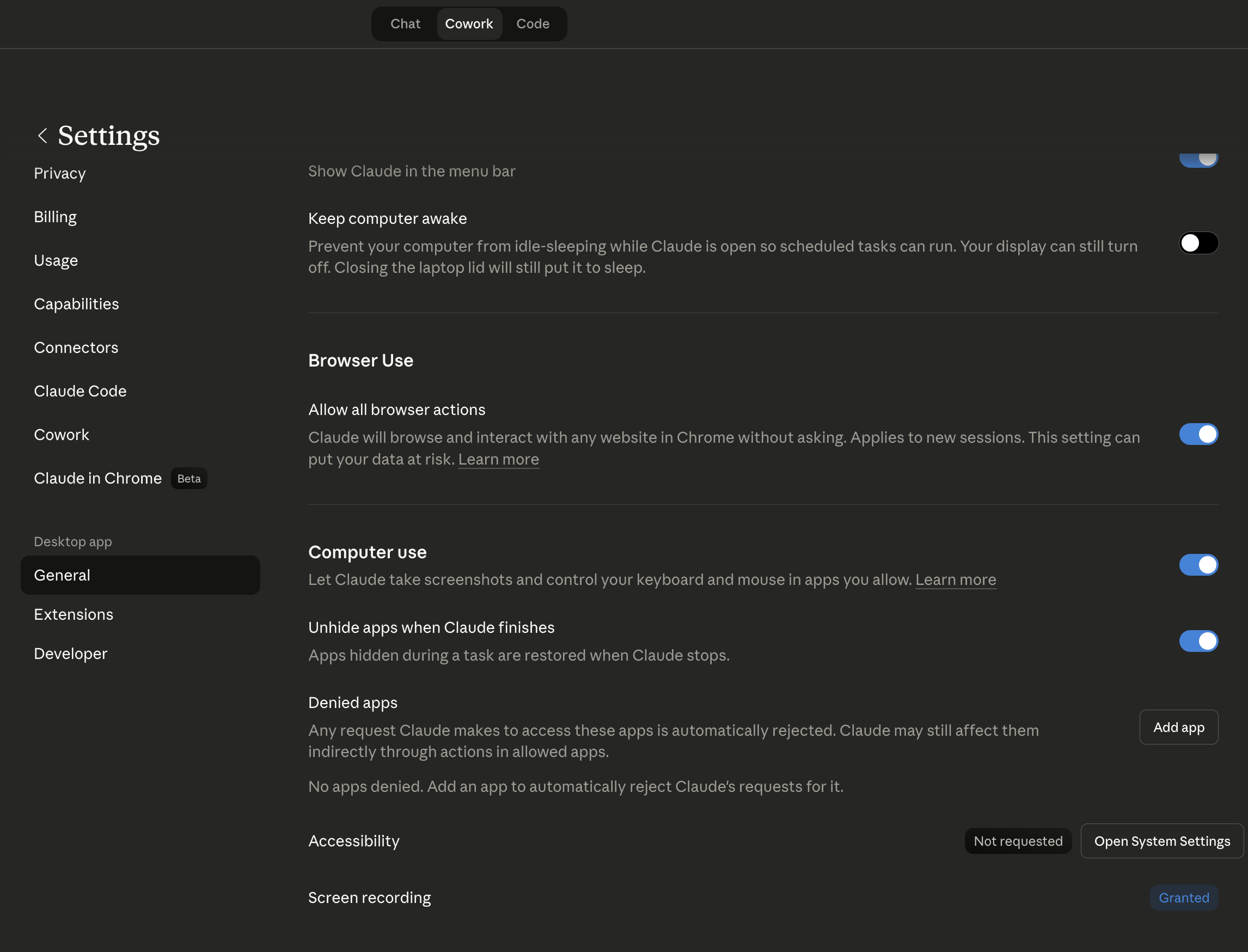

Start a Cowork Task and Ask
Open a Cowork session (ideally inside a Project) and describe what you need. When Claude needs to interact with an app, it'll ask for permission. Approve the apps you're comfortable with, and Claude gets to work.
Cowork → Describe your task → Approve app accessComputer Use is available on Pro ($20/mo) and Max ($100/mo) plans. It's not yet available on Team or Enterprise plans. For the full Cowork experience with Computer Use, scheduled tasks, and all connectors, Max is recommended.
Where Computer Use Works Best (and Where It Doesn't)
Set the right expectations so you get the most out of this feature.
Repetitive, predictable workflows — data exports, form filling, report compilation. Tasks where the steps are the same every time, just with different data. Also excellent for cross-system tasks where you need to move data between apps that don't integrate.
Highly dynamic interfaces — apps with complex custom UIs that change layout frequently, or workflows that require complex drag-and-drop interactions. Also not suitable for sending supplier communications or placing orders without human review.
Computer Use is in research preview — it's powerful but not perfect. Complex multi-step workflows may occasionally need a retry. Think of it like a capable new team member: excellent at following clear instructions, but still needs supervision on important tasks. The more structured and specific your prompt, the better the result.
Master AI for Procurement
Computer Use is just one piece of the puzzle. Our AI Fundamentals program teaches you the complete toolkit — from prompt engineering to building autonomous procurement workflows with Claude.
Explore AI Fundamentals →AI Fundamentals for procurement
Get Your Procurement Team AI-Ready
Some of your team members already use AI. Others barely started. This program trains AI skills for everyone within 21 days. Many procurement teams are seeing massive results. Are you?
✓ Team-wide AI adoption in 21 days
✓ For both leaders and buyers
✓ Built for real procurement tasks







Procurement’s AI Opportunity is Now
Procurement leaders, you have a clear responsibility: you have to lead the AI transformation. AI is not a hype. It is no longer optional. It is a must-have skill for excelling procurement teams. Equip your team with the skills they need to extract the maximum from AI.
Teams that invest now will gain a strategic advantage, future-proof their operations, and drive real impact value in a fast-changing business landscape.
“If you’re not using this technology, you’re not going to be relevant compared to your peer groups and your competitors… Adopt it, and adopt it fast.”
Eric Schmidt, Former CEO Google
%
of executives say AI adoption is essential to stay competitive
%
expected productivity gains from leveraging AI
For Procurement Teams & Procurement Leaders
Short, intensive programs designed to set procurement teams and leaders up for success in the AI era. Developed and delivered by procurement experts who are leading the adoption of AI; built for procurement, by procurement.
AI Fundamentals For Your Team
Build the mindset, culture, and capabilities to start unlocking real AI impact, fast!
📚 Immersive Learning
Live expert sessions + self-paced modules for procurement teams.
📅 21-Day Program
Flexible, high-impact AI training tailored to your goals.
🌍 Real Examples
Apply AI to sourcing, contracts, and supplier management.
📈 AI Progress Tracker
Benchmark and measure ROI with clear and accurate metrics.
🤝 Hands-On Projects
Encourage practical use and secure ongoing advancement.
💬 Expert Access
Monthly Q&A with AI and procurement experts to solve your problems.
AI Fundamentals For Procurement Leaders
Align your team on an AI vision and build a strategic roadmap for procurement transformation.
📅 21-Day Program
Focused, high-impact training to accelerate AI usage in your team.
🌍 Real Examples
Learn from real examples of procurement leaders leading the AI-way
💬 Expert Access
Monthly Q&A with AI and procurement experts to solve your problems.
🎯 Leaders Aligned
Unify your team with a shared understanding of AI’s role in procurement.
📚 Immersive Learning
Live expert sessions + self-paced modules for procurement leaders.
📍 Actionable Roadmap
Leave with a clear plan to implement AI in your procurement process
Succeeding in AI through Talent
Mastering AI isn’t about using the newest tool
Winning with AI requires investing in people, not just tools.
We see many people caring too much about using the newest tool, but they are utilizing only 10% of what is possible.
Using the newest tools is great, but actually knowing how to use them is key.
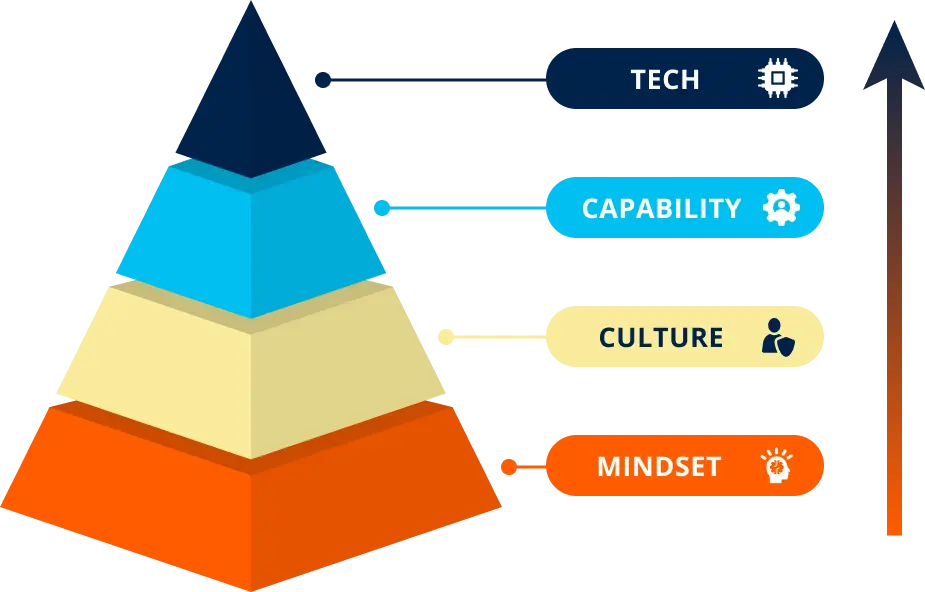
Leading procurement teams adopt a structured approach to change, integrating talent and technology to transform their function into an AI-driven powerhouse.
Program Overview For Your Team
Program Overview for Procurement Leaders
Meet your instructors

Marijn Overvest
Procurement Thought Leader & AI Expert

Ralph De Groot
Senior Learning Consultant & AI Expert
SUPPORT
FAQs
Have more questions? Get in touch with one of our sales consultants. Book a demo for further questions.
How do I enroll my team?
Schedule a demo call with our team. You can book a consultation directly on their calendar or reach out to us at team@procurementtactics.com. We’ll discuss timelines and get your team on board!
How much time does this require?
The leadership program can be finished within 5-6 hours.
The program for your team can also be finished within 5-6 hours.
If you decide to also participate in the optional modules that cover AI agent building, this will take another 5-6 hours.
Need help choosing the right pace? Discuss your team’s goals and timeline with one of our Procurement Learning Specialists in a free discovery call.
Is there a fixed schedule?
No. Your dedicated Procurement Learning Consultant will work with you during onboarding to:
- Agree on a tailored timeline
- Lock in dates for the kick-off, live sessions, and graduation/demo day
- Define progress checkpoints to keep learners on track
Before each live session, participants should complete a set portion of the self-paced modules, ensuring productive, focused discussions.
This structured yet flexible approach keeps teams aligned while accommodating procurement professionals’ busy schedules.
Is there a live learning component?
Yes!
This program comes with a kickoff and a 2 live Q&A sessions to solve your AI problems in procurement.
What type of support can we expect?
During the pre-enrollment process, our procurement specialists will guide your decision-making and address all your questions. You can reach them by email or schedule a quick consultation call whenever needed.
Once enrolled, you’ll be assigned a dedicated Procurement Learning Consultant who will:
-
Serve as your single point of contact throughout the program
-
Coordinate all logistics including kickoff, scheduling, and live sessions
-
Onboard your procurement team and handle any program-related needs
-
Work closely with you to maximize the impact on your team’s procurement capabilities
Client Success Stories
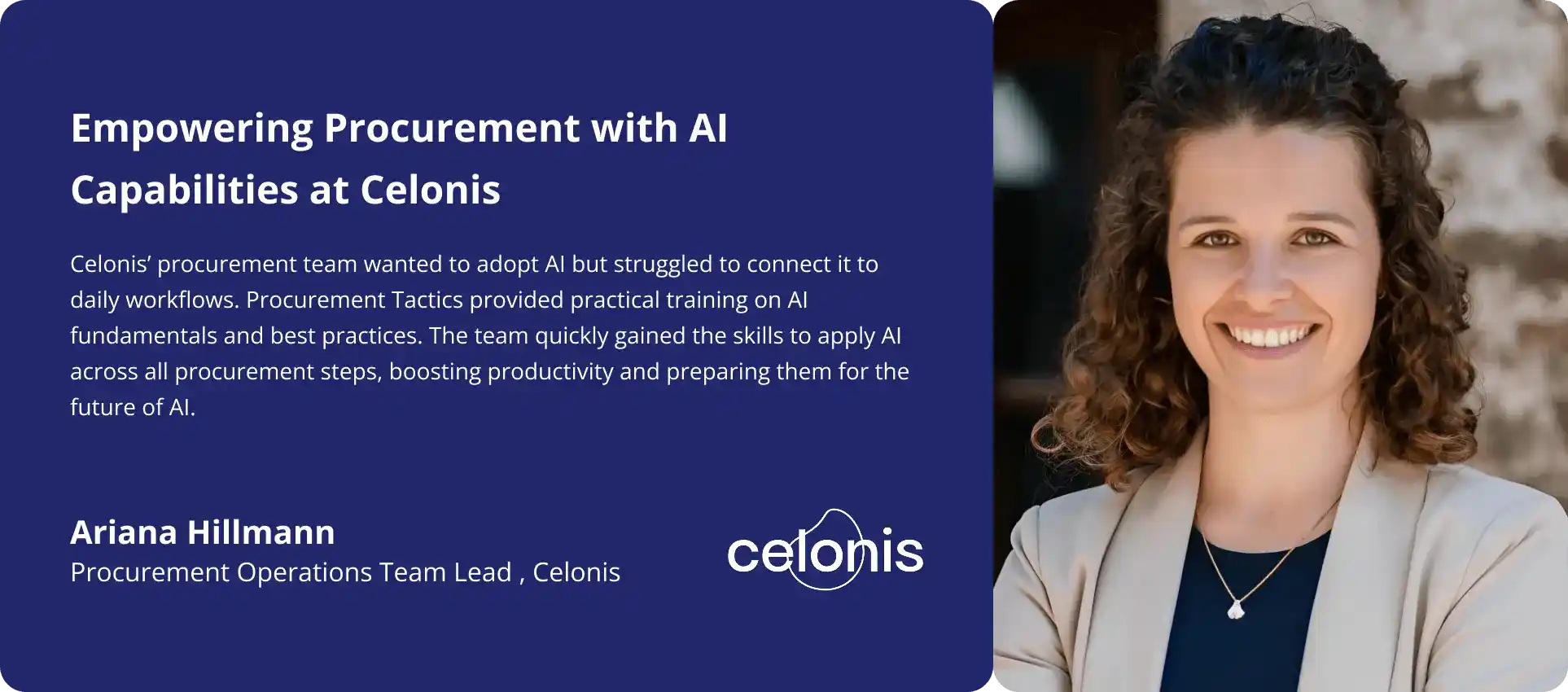
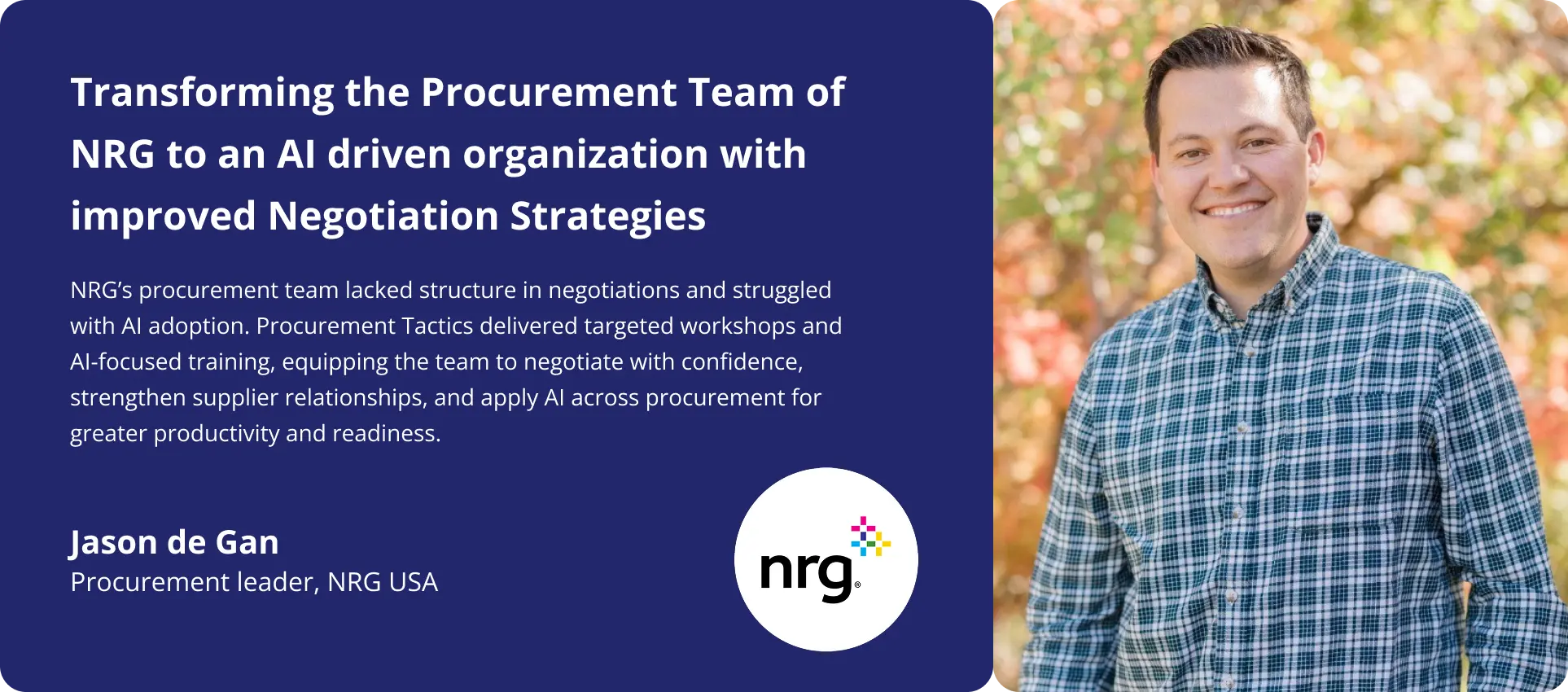
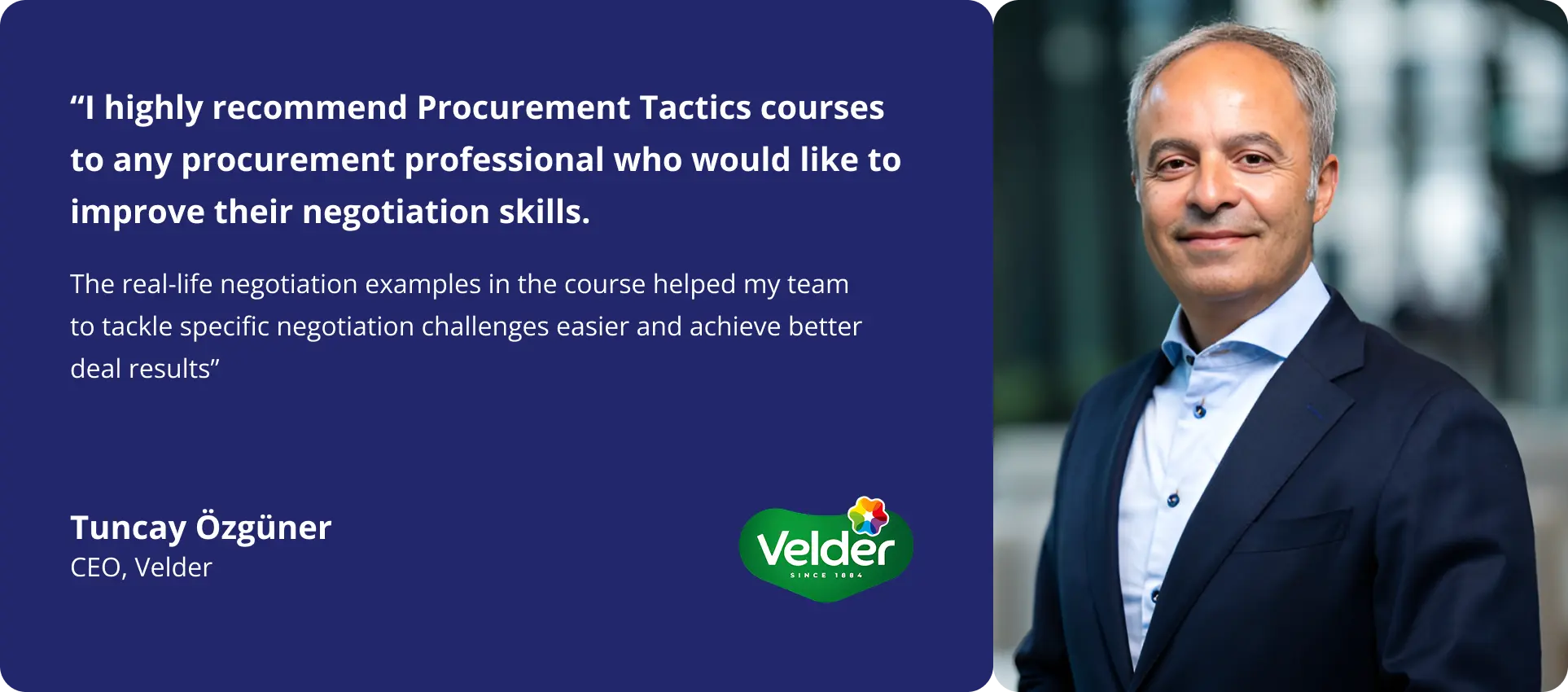
Program Overview + Price Quote
Ready to upskill your procurement team with critical AI skills?
Request a price quote and the program overview using the form, or reach out to us directly if you’d like to discuss what’s right for your team.
Click here to grab a slot in my calendar. Talk soon!

Pim Herremans 