


Copilot in Excel + Python
for Procurement
Turn your procurement spreadsheets into automated analysis engines. Spend analysis, supplier scoring, forecasting, and anomaly detection — all from natural language prompts inside Excel.
Every procurement team has spreadsheets. Spend extracts from SAP. Supplier scorecards in Excel. Contract trackers with thousands of rows. Price comparison sheets going back years.
The data is there. The analysis usually isn't — because turning raw procurement data into actionable insights requires time, Excel expertise, and often a data analyst you don't have. So the spend analysis gets done once a quarter instead of weekly. The price anomaly that should have been caught goes unnoticed. The supplier risk that shows up in the data only gets flagged when it becomes a crisis.
Copilot in Excel changes the equation. Describe what you want in plain language — "show me the Pareto of my spend by supplier" or "flag any invoices with prices more than 15% above the 12-month average" — and Copilot does it. With Python in Excel, it goes further: clustering, forecasting, statistical analysis, and visualisations that would normally require a data science team.
- Manual pivot tables and VLOOKUP chains
- Spend analysis takes a full day
- No forecasting — just last year + a guess
- Price anomalies found after the invoice is paid
- Supplier scoring done manually in a static template
- You need a data analyst for anything advanced
- Natural language prompts replace complex formulas
- Spend analysis in 10 minutes with visualisations
- Statistical forecasting with confidence intervals
- Automated anomaly detection flags outliers instantly
- Dynamic supplier scoring with weighted metrics
- Advanced analytics without writing a line of code
Copilot in Excel
Your everyday assistant. Ask questions about your data, create formulas, build pivot tables, sort and filter, summarise columns, and generate standard charts — all in plain language.
Think of it as a very fast Excel expert sitting next to you.
Included with Microsoft 365 CopilotPython in Excel (via Copilot)
Your advanced analytics engine. Copilot writes and runs Python code directly in your spreadsheet — forecasting, clustering, regression, anomaly detection, heatmaps, and statistical tests. No Python installation or skills needed.
Think of it as a data scientist who works inside your Excel file.
Available in Microsoft 365 CopilotCopilot: "Summarise this spend data" / "Create a pivot table by category" / "Add a formula for YoY change."
Python via Copilot: "Forecast next quarter's spend with confidence intervals" / "Cluster my suppliers into risk segments" / "Run a Pareto analysis with a cumulative % line chart."
Spend Pareto Analysis
Python- Pareto chart with bars + cumulative line + 80/20 threshold
- Supplier count split: "12 suppliers = 80% of spend, 168 suppliers = 20%"
- Instant visibility into tail spend concentration
Supplier Performance Scoring
Python- Normalised, weighted scorecard for every supplier
- RAG classification with automatic colour coding
- Ranked bar chart — instant view of your best and worst performers
- "Biggest weakness" column for targeted improvement conversations
Spend Forecasting
Python- Statistical forecast per category with confidence intervals
- Visual chart showing historical trend + projected spend
- Automatic flagging of categories trending above budget
- Summary table ready for your budget review meeting
Price Anomaly Detection
Python- Every price outlier flagged with reason and € impact
- Duplicate invoice detection based on pattern matching
- Scatter plot making anomalies visually obvious
- Executive summary: "€47K in anomalies detected across 23 transactions"
Contract Compliance Check
Copilot- Every PO checked against contract terms automatically
- Four breach types flagged with conditional formatting
- Compliance % dashboard: "78% compliant, €1.2M off-contract"
- Actionable list for contract management follow-up
Tail Spend Segmentation
Python- Full tail spend breakdown by category and supplier count
- Consolidation opportunities flagged automatically
- Savings estimate based on your spend data
- Treemap visualisation for stakeholder presentations
Savings Tracker Dashboard
Copilot- Full savings dashboard with progress tracking
- Waterfall chart for executive presentations
- Run-rate projection showing whether you'll hit target
- RAG-coded conditional formatting at a glance
Supplier Risk Clustering
Python- Machine learning segmentation of your entire supply base
- Visual scatter plot with colour-coded risk clusters
- Actionable recommendations per segment
- Data-backed risk prioritisation for your supply chain team
| Capability | Procurement Application | Without Python |
|---|---|---|
| Statistical Forecasting | Predict spend, demand, and price trends by category | Manual extrapolation or guesswork |
| Clustering (K-means) | Segment suppliers by risk, performance, or strategic value | Subjective categorisation |
| Anomaly Detection | Flag price outliers, duplicate invoices, unusual patterns | Spot-checking or conditional formatting rules |
| Regression Analysis | Identify cost drivers, model should-cost estimates | External tools or consultants |
| Correlation Analysis | Find relationships between KPIs (e.g., OTD vs. quality) | Manual comparison |
| Advanced Visualisations | Heatmaps, treemaps, Sankey diagrams, scatter matrices | Limited to standard Excel charts |
| Text / Category Matching | Clean and classify messy spend descriptions | Manual mapping or expensive tools |
| Monte Carlo Simulation | Model savings scenarios with probability distributions | Single-point estimates only |
Clean Headers First
Copilot works best when your column headers are clear and descriptive. Rename "Col_F" to "Unit Price EUR" and "Ven_Name" to "Supplier Name" before you start prompting. It takes 2 minutes and makes every subsequent prompt more accurate.
Say "Use Python" for Advanced Analysis
When you want forecasting, clustering, or statistical analysis, start your prompt with "Use Python to..." — this tells Copilot to engage the Python engine instead of trying to solve it with standard Excel formulas. It unlocks the full analytics toolkit.
Reference Columns by Name
Instead of "analyse column C", say "analyse the Annual Spend column." Copilot understands your headers and maps them correctly — especially important when your spreadsheet has 20+ columns and a letter reference is ambiguous.
Ask for the Output Format You Need
Be explicit: "Create a new sheet with the results," "Add a chart below the data," "Format as a table with conditional formatting." Copilot will deliver exactly the output structure you specify, saving you from reformatting after the fact.
Chain Prompts for Multi-Step Analysis
Start broad, then drill down. First: "Summarise total spend by category." Then: "For the IT Services category, show me the month-over-month trend." Then: "Forecast the next 6 months for IT Services." Each prompt builds on the context of the previous one.
Already using our AI Briefing Document? Paste your KPI targets and thresholds into your Copilot prompts. Instead of "flag anomalies," say "flag anything below our 95% OTD target" or "highlight suppliers where spend exceeds contracted volume." Your analysis becomes specific to your organisation.
Check Your Licence
You need Microsoft 365 Copilot (included in many enterprise plans). Python in Excel is available in Microsoft 365 — no separate installation needed. Check with your IT team if you're not sure. Ask them to enable Copilot and Python in Excel if it's not already active.
Open Your Procurement Data
Open your spend extract, supplier scorecard, or contract tracker in Excel. Make sure your headers are clear and your data starts in row 1 (or a formatted Table). Copilot reads your structure to understand the data.
Copy a Prompt and Go
Pick one of the 8 use cases above, copy the prompt, paste it into the Copilot pane in Excel, and adjust the column names to match your spreadsheet. Hit enter and watch it work. Refine with follow-up prompts as needed.
AI Fundamentals for procurement
Get Your Procurement Team AI-Ready
Some of your team members already use AI. Others barely started. This program trains AI skills for everyone within 21 days. Many procurement teams are seeing massive results. Are you?
✓ Team-wide AI adoption in 21 days
✓ Built for real procurement tasks

Talk to a procurement AI specialist







Procurement’s AI Opportunity is Now
Procurement leaders, you have a clear responsibility: you have to lead the AI transformation. AI is not a hype. It is no longer optional. It is a must-have skill for excelling procurement teams. Equip your team with the skills they need to extract the maximum from AI.
Teams that invest now will gain a strategic advantage, future-proof their operations, and drive real impact value in a fast-changing business landscape.
“If you’re not using this technology, you’re not going to be relevant compared to your peer groups and your competitors… Adopt it, and adopt it fast.”
Eric Schmidt, Former CEO Google
%
of executives say AI adoption is essential to stay competitive
%
expected productivity gains from leveraging AI
For Procurement Teams & Procurement Leaders
Short, intensive programs designed to set procurement teams and leaders up for success in the AI era. Developed and delivered by procurement experts who are leading the adoption of AI; built for procurement, by procurement.
AI Fundamentals For Your Team
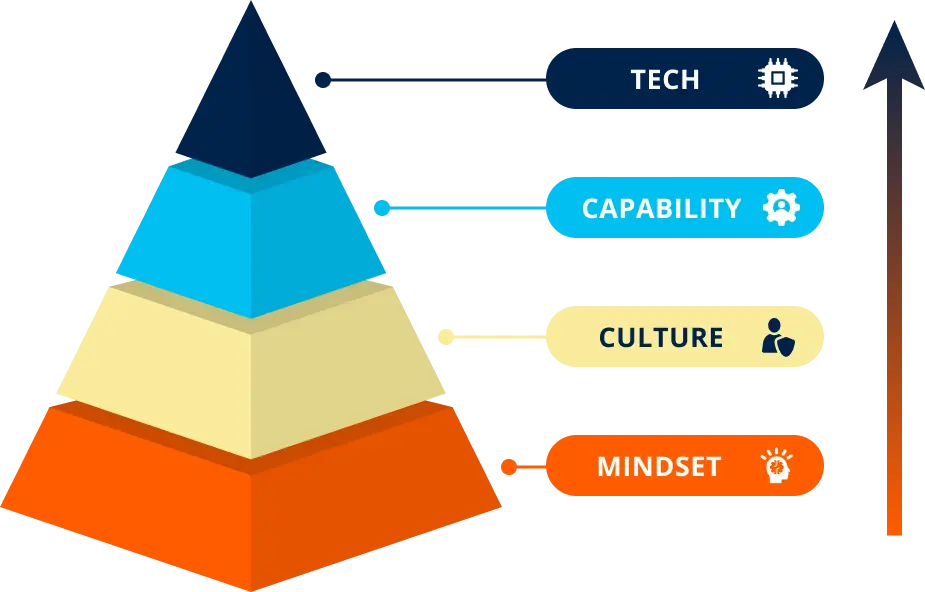
Build the mindset, culture, and capabilities to start unlocking real AI impact, fast!
📚 Immersive Learning
Live expert sessions + self-paced modules for procurement teams.
📅 21-Day Program
Flexible, high-impact AI training tailored to your goals.
🌍 Real Examples
Apply AI to sourcing, contracts, and supplier management.
📈 AI Progress Tracker
Benchmark and measure ROI with clear and accurate metrics.
🤝 Hands-On Projects
Encourage practical use and secure ongoing advancement.
💬 Expert Access
Monthly Q&A with AI and procurement experts to solve your problems.
AI Fundamentals For Procurement Leaders
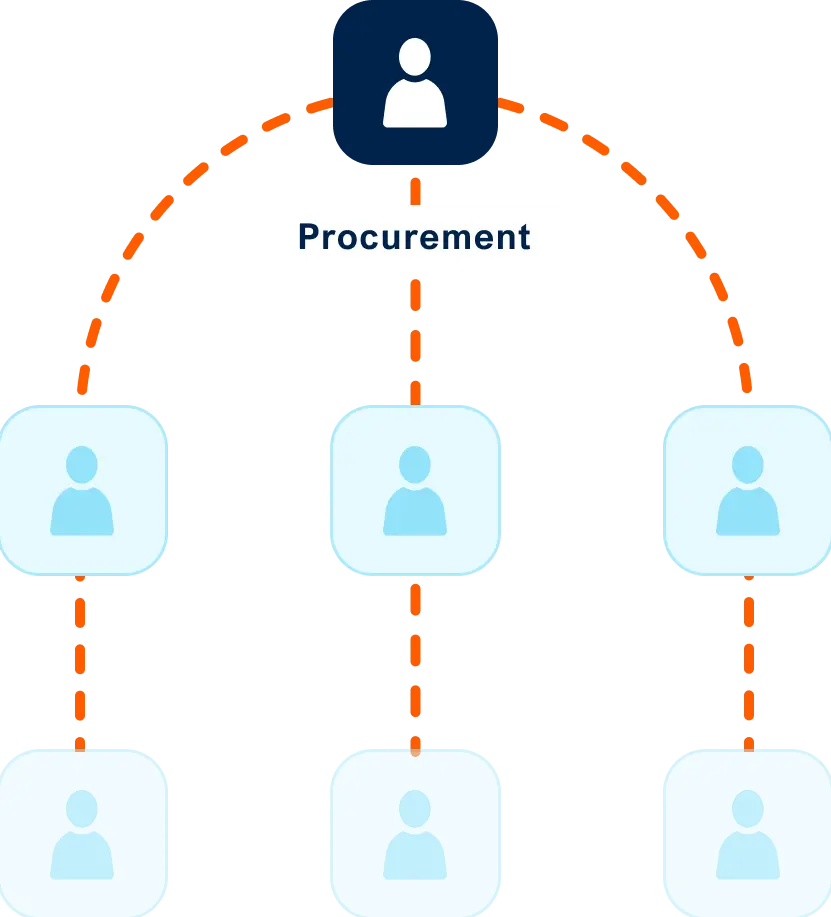
Align your team on an AI vision and build a strategic roadmap for procurement transformation.
📅 21-Day Program
Focused, high-impact training to accelerate AI usage in your team.
🌍 Real Examples
Learn from real examples of procurement leaders leading the AI-way
💬 Expert Access
Monthly Q&A with AI and procurement experts to solve your problems.
🎯 Leaders Aligned
Unify your team with a shared understanding of AI’s role in procurement.
📚 Immersive Learning
Live expert sessions + self-paced modules for procurement leaders.
📍 Actionable Roadmap
Leave with a clear plan to implement AI in your procurement process
Succeeding in AI through Talent
Mastering AI isn’t about using the newest tool
Winning with AI requires investing in people, not just tools.
We see many people caring too much about using the newest tool, but they are utilizing only 10% of what is possible.
Using the newest tools is great, but actually knowing how to use them is key.
Leading procurement teams adopt a structured approach to change, integrating talent and technology to transform their function into an AI-driven powerhouse.
Program Overview For Your Team
Program Overview for Procurement Leaders
Meet your instructors

Marijn Overvest
Procurement Thought Leader & AI Expert

Ralph De Groot
Senior Learning Consultant & AI Expert
SUPPORT
FAQs
Have more questions? Get in touch with one of our sales consultants. Book a demo for further questions.
How do I enroll my team?
Schedule a demo call with our team. You can book a consultation directly on their calendar or reach out to us at team@procurementtactics.com. We’ll discuss timelines and get your team on board!
How much time does this require?
The leadership program can be finished within 5-6 hours.
The program for your team can also be finished within 5-6 hours.
If you decide to also participate in the optional modules that cover AI agent building, this will take another 5-6 hours.
Need help choosing the right pace? Discuss your team’s goals and timeline with one of our Procurement Learning Specialists in a free discovery call.
Is there a fixed schedule?
No. Your dedicated Procurement Learning Consultant will work with you during onboarding to:
- Agree on a tailored timeline
- Lock in dates for the kick-off, live sessions, and graduation/demo day
- Define progress checkpoints to keep learners on track
Before each live session, participants should complete a set portion of the self-paced modules, ensuring productive, focused discussions.
This structured yet flexible approach keeps teams aligned while accommodating procurement professionals’ busy schedules.
Is there a live learning component?
Yes!
This program comes with a kickoff and a 2 live Q&A sessions to solve your AI problems in procurement.
What type of support can we expect?
During the pre-enrollment process, our procurement specialists will guide your decision-making and address all your questions. You can reach them by email or schedule a quick consultation call whenever needed.
Once enrolled, you’ll be assigned a dedicated Procurement Learning Consultant who will:
-
Serve as your single point of contact throughout the program
-
Coordinate all logistics including kickoff, scheduling, and live sessions
-
Onboard your procurement team and handle any program-related needs
-
Work closely with you to maximize the impact on your team’s procurement capabilities
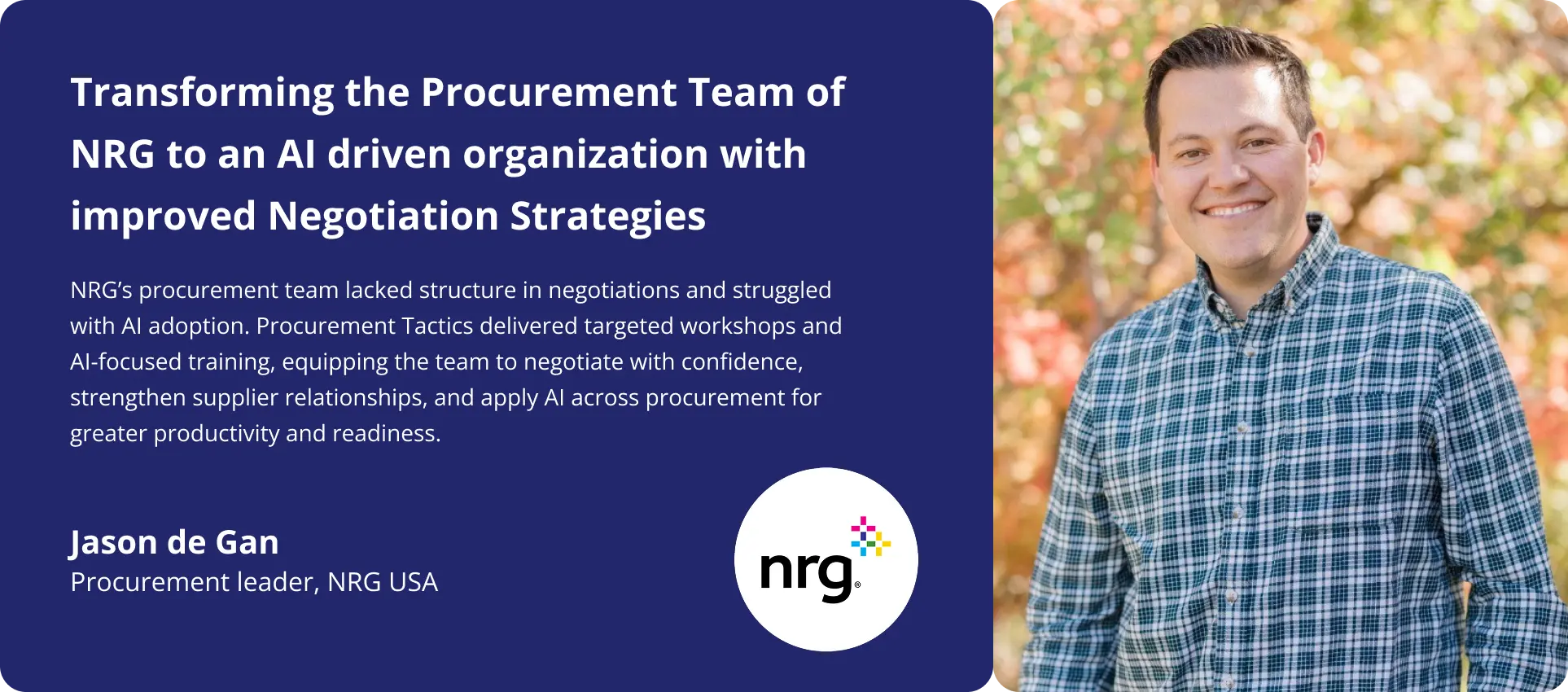
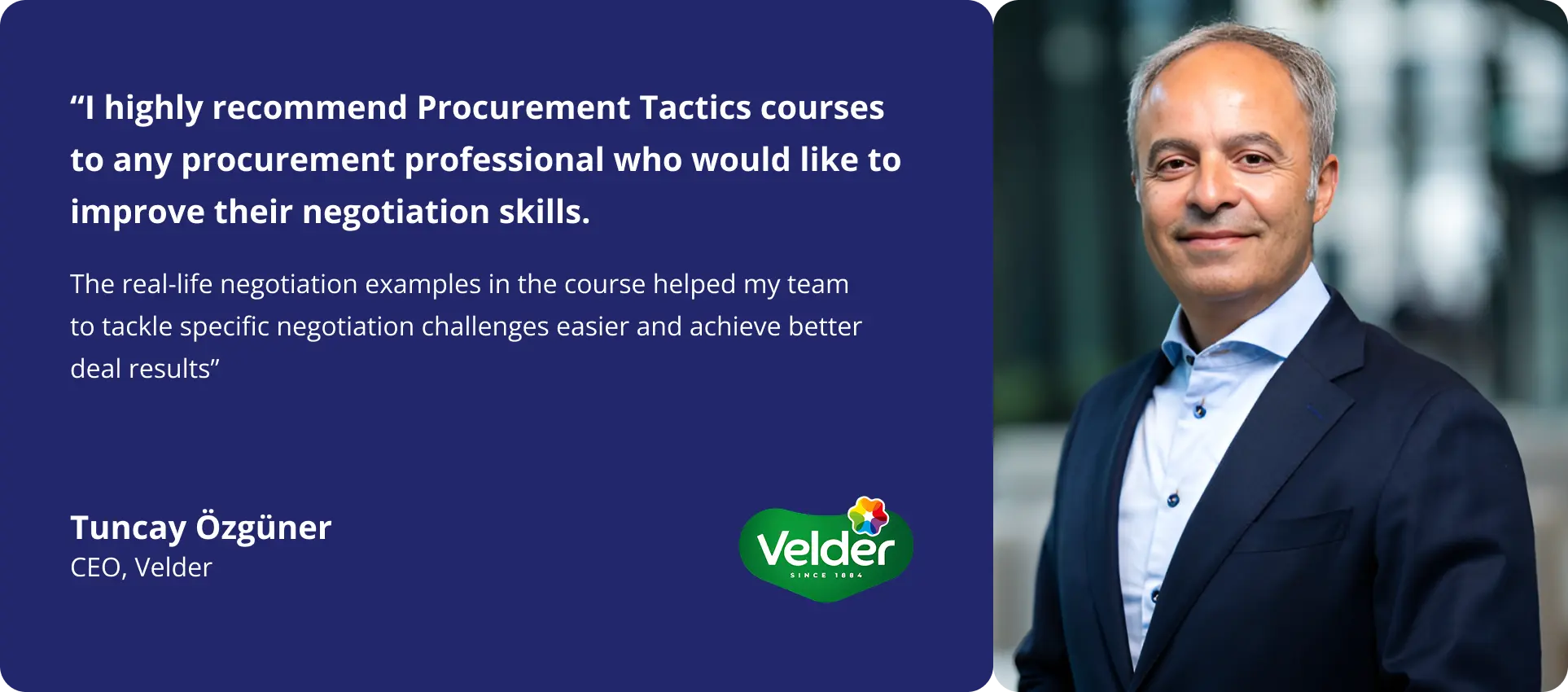
Client Success Stories
Program Overview + Price Quote
Ready to upskill your procurement team with critical AI skills?
Request a price quote and the program overview using the form, or reach out to us directly if you’d like to discuss what’s right for your team.
Click here to grab a slot in my calendar. Talk soon!

Pim Herremans 