


Written by Marijn Overvest | Reviewed by Sjoerd Goedhart | Fact Checked by Ruud Emonds | Our editorial policy
Claude for Excel in Procurement: 8 Prompts That Save a Day a Week

As taught in the Claude Cowork For Procurement Course / ★★★★★ 4.9 rating
- Claude for Excel brings Claude into the spreadsheet where procurement actually works, rather than requiring analysts to move data out of Excel into Claude and back.
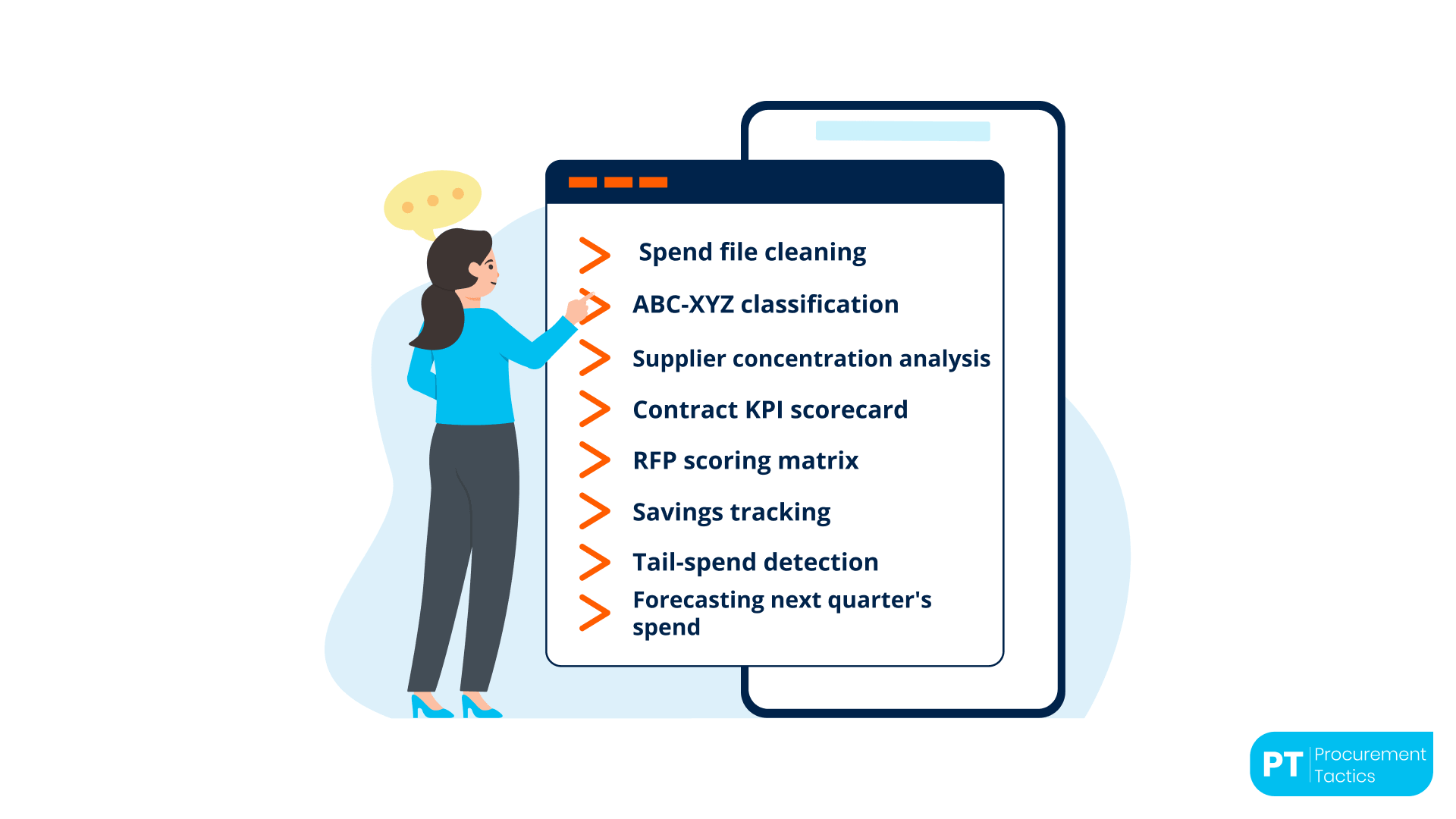
- Eight prompts cover the bulk of procurement's recurring Excel work: spend cleaning, ABC-XYZ classification, concentration analysis, contract KPI scorecard, RFP scoring, savings tracking, tail-spend detection, and forecasting.
- The output is as good as the input data. Ten minutes of cleanup before Claude runs saves hours of validation after.
Why Claude for Excel Matters More for Procurement than Any Other Function
Procurement lives in Excel. Every procurement function has spend files, supplier scorecards, contract KPI trackers, category registers, RFP evaluation matrices, and savings dashboards, almost all of them in Excel or the occasional Google Sheet. The analytical work that sits on top of these files is what procurement analysts spend most of their time on: classifying, summarising, comparing, forecasting, and flagging.
Claude for Excel is the version of Claude that works inside the spreadsheet. It reads the file, applies transformations directly to cells, and produces output in place. The workflow friction of copying data out, prompting Claude, and pasting output back, which is the pattern for procurement analysts using standalone Claude against Excel files, disappears.
For procurement teams that already use Claude for long-context work like contract review or category strategy, Claude for Excel extends the tool into the daily analytical rhythm. It is the feature that moves Claude from a weekly or monthly tool into a daily tool.
The 8 Procurement Prompts
Each prompt follows a similar pattern: a clear instruction, a reference to specific columns or ranges, and a defined output structure. The eight below cover most of the recurring procurement work in Excel.
Prompt 1, Spend file cleaning
"Standardise supplier names in column B. Merge entries that appear to be the same supplier with different spellings. Convert all amounts in column E to EUR using the exchange rates in the FX tab. Flag any rows where the supplier name is ambiguous or the amount looks incorrect."
Claude returns a cleaned version of the file with a review column flagging uncertain entries. The analyst validates the flags before using the cleaned file for downstream analysis. A 10,000-line file that would take a day to clean manually is cleaned in under an hour including validation.
Prompt 2, ABC-XYZ classification
"Classify each SKU in this file using ABC-XYZ methodology. ABC should rank by annual spend contribution using the 80-15-5 split. XYZ should rank by demand predictability across the 24 months in columns F through AC using coefficient of variation. Add two columns with the classifications and a summary table."
The output is the standard procurement classification work, delivered in minutes. Consistency across analysts is the hidden benefit, the same file classified by five analysts manually will produce five slightly different results; Claude produces the same result every time.
Prompt 3, Supplier concentration analysis
"Produce a supplier concentration summary. Include: top 10 suppliers by spend and their combined share, top 50 suppliers and their combined share, category-level concentration (top 3 suppliers per category), and a count of suppliers above 5% of total spend."
The output is the concentration view that anchors every category review. Claude handles this well because the analysis is structural and repeatable.

Prompt 4, Contract KPI scorecard
"Build a scorecard comparing the contractual KPIs in the Contract Terms tab against the actual performance in the Actuals tab. For each KPI, show target, 12-month actual, variance, and status using the thresholds in the Definitions tab."
The scorecard produced in this way is the input to supplier reviews, QBRs, and renewal preparation. Because Claude applies the thresholds consistently, the scorecard produced by different analysts or for different categories is comparable.
Prompt 5, RFP scoring matrix
"For each supplier response in the RFP Responses tab, apply the evaluation framework in the Evaluation Framework tab and populate the Scoring tab with dimension-level scores plus commentary. Flag responses missing required information."
First-pass RFP scoring that the procurement team validates before the evaluation meeting. The meeting focuses on the judgement calls rather than the mechanics.
Prompt 6, Savings tracking
"Calculate realised savings against baseline for each category. Baseline is in column D; actual spend is in column E. Show total savings, savings rate, and savings vs target by category. Flag categories where actual savings fall below 50% of target."
The view finance wants to see, produced on the reporting cadence procurement commits to finance.
Prompt 7, Tail-spend detection
"Identify suppliers representing less than 0.1% of total spend individually. For each tail supplier, show category, annual spend, and whether a preferred supplier exists for the same category. Output as a consolidation candidates list sorted by potential savings."
The view that feeds tail-spend consolidation programmes, produced in minutes rather than the half-day manual equivalent.
Prompt 8, Forecasting next quarter's spend
"Forecast spend for the next four quarters by category using the 24 months of historical data in columns F through AC. Account for seasonal patterns and the underlying trend. Output as a forecast table with quarterly values and a confidence indicator."
A defensible baseline forecast that the analyst adjusts using known category changes the historical data would not capture.
The Claude for Excel Playbook
Eight working Claude-for-Excel prompts that save a procurement analyst a full day every week, spend cleaning, ABC-XYZ, concentration, scorecards, RFP scoring, savings, tail-spend, forecasting.
Getting Reliable Output, The Three Disciplines
Procurement analysts who get consistent results from Claude for Excel share three practices.
Clean data in. Standardised supplier names, single currency, consistent category taxonomy. Ten minutes of cleanup before the prompt produces significantly better output than any amount of prompt refinement on dirty data.
Specific prompts. Generic prompts produce inconsistent output. Prompts that specify target columns, expected output format, and calculation rules produce reliable output.
Validation after. Spot-check the top-line numbers against pivots on the source data. If totals reconcile, detailed output is reliable. If not, the source data has a structural issue that needs fixing first.
Teams that build these disciplines into their Excel workflow with Claude get materially more value than teams that treat Claude for Excel as a magic wand. The AI Fundamentals for Procurement Teams program covers the prompt design discipline alongside the procurement methodology.
Where Claude for Excel Wins Against Copilot in Excel
For standard procurement spreadsheet work, the eight prompts above, Claude for Excel, and Copilot in Excel are broadly comparable. Both handle cleaning, classification, and summary analysis well; the workflow advantages cancel out for most day-to-day work.
Where Claude tends to win is on analyses with a reasoning component. Forecasting that accounts for known category dynamics. Supplier concentration analysis that threads commercial context into the interpretation. Contract KPI scoring where the scoring depends on a non-trivial interpretation of the performance data. In these cases, Claude's multi-step reasoning often produces a sharper analysis than Copilot's more direct approach.
For teams already on Microsoft 365, Copilot is usually the right default for Excel because it requires no additional licensing. Claude for Excel becomes valuable when the reasoning-heavy analyses justify the second tool, typically for procurement teams doing regular deep-dive work alongside the routine monthly refresh.
Conclusion
Procurement teams already spend a huge part of their day inside Excel, which is why Claude for Excel feels immediately practical. Instead of moving data between tools or manually building the same analyses over and over, procurement professionals can automate much of the repetitive work while keeping the analysis inside the spreadsheets they already use every day.
The biggest advantage is not just speed, it is consistency. Spend classifications, supplier scorecards, RFP scoring, and savings tracking can all follow the same logic every time, reducing manual effort while improving the quality of analysis across the team.
But like any procurement workflow, the output still depends on strong fundamentals. Clean data, clear prompts, and validation remain essential. Claude helps procurement teams work faster and think more strategically, but it works best when paired with good procurement discipline rather than used as a shortcut around it.
Frequentlyasked questions
Does Claude for Excel need a separate subscription?
Yes. Claude for Excel is typically part of the Claude Team or Enterprise offering, with the Microsoft 365 integration enabled. The individual Pro plan does not include the full Excel-native integration.
How large a spend file can Claude handle in Excel?
Up to around 100,000 rows comfortably. Above that, splitting the analysis by category, time period, or business unit produces more reliable results. Claude's long-context strength helps with larger files, but does not eliminate practical performance limits.
Can Claude for Excel be used with sensitive supplier data?
On an enterprise Claude plan with appropriate data-handling terms, yes, for most categories of procurement spend data. Highly confidential commercial terms may warrant separate policy review.
What happens when the source data format changes?
The prompt needs updating to match the new column positions and structure. Procurement teams that standardise their spend file templates organisation-wide avoid this maintenance overhead.
Is Claude's classification deterministic, does it produce the same output every time?
Yes, for structural classifications like ABC-XYZ when the rules are specified in the prompt. For judgment-based categorisation, minor variations can occur, which is why the output review is important.
How often should spend analysis be refreshed?
Monthly for most procurement teams. The AI-assisted version makes monthly updates realistic; the manual version typically slipped to quarterly or slower. Weekly is possible for high-volume procurement functions that want near-real-time spend visibility.

About the author
My name is Marijn Overvest, I’m the founder of Procurement Tactics. I have a deep passion for procurement, and I’ve upskilled over 200 procurement teams from all over the world. When I’m not working, I love running and cycling.
